Direct every body of work.
Shape site-wide typography and navigation, then give each collection its own layout, rhythm, captions, light, motion, mobile treatment, image preview, and download rules.
Change arrangement, light treatment, motion, menu interactions, mobile behavior, captions, and image preview. Use the preview rail to switch collections or zoom the canvas, drag photographs into a new order, and open one with the center magnifier. Everything stays in this browser and never alters the live portfolio.

Ashiftingindexoflight,place,texture,andpresence.
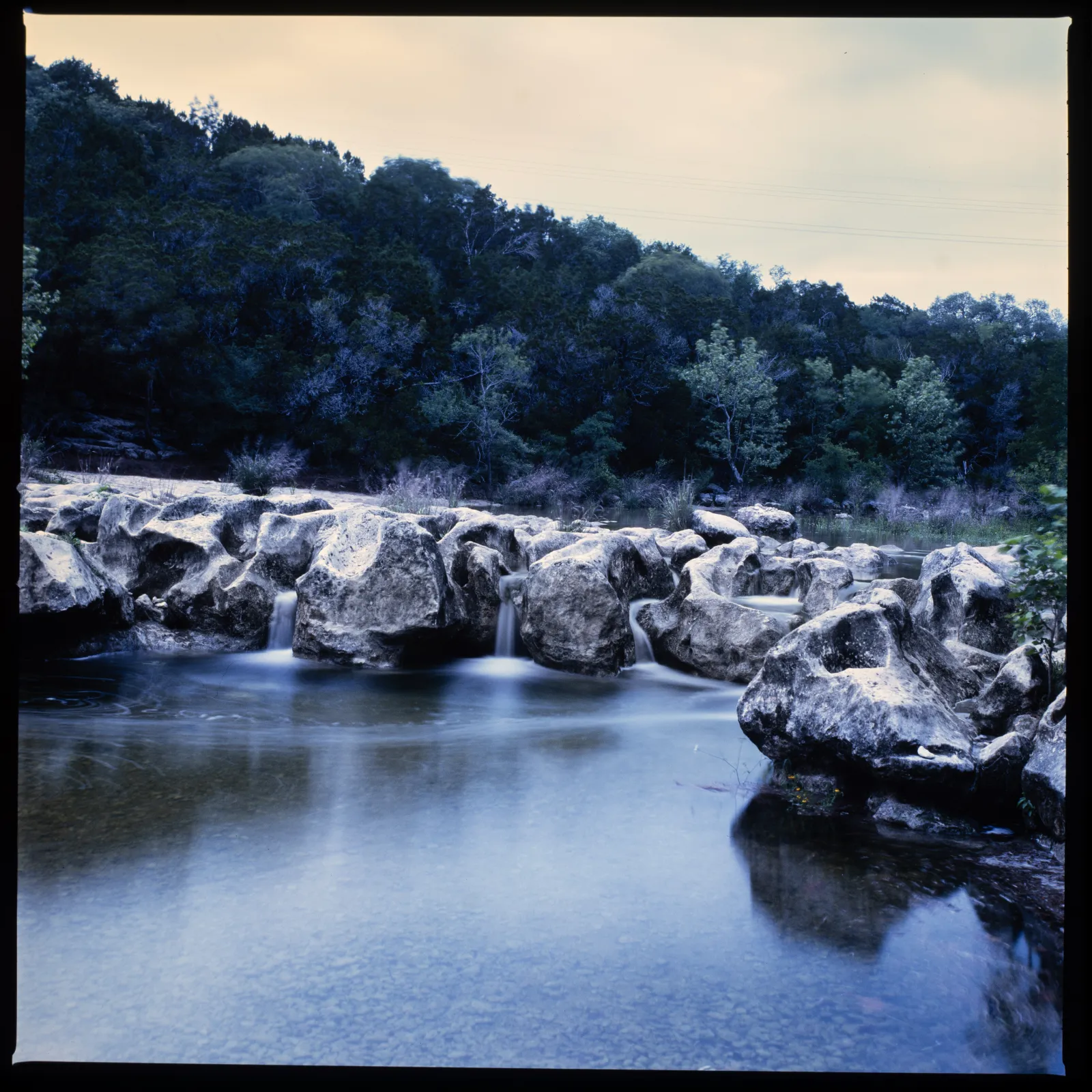
nature
Greenbelt
Sculpture Falls at Blue Hour
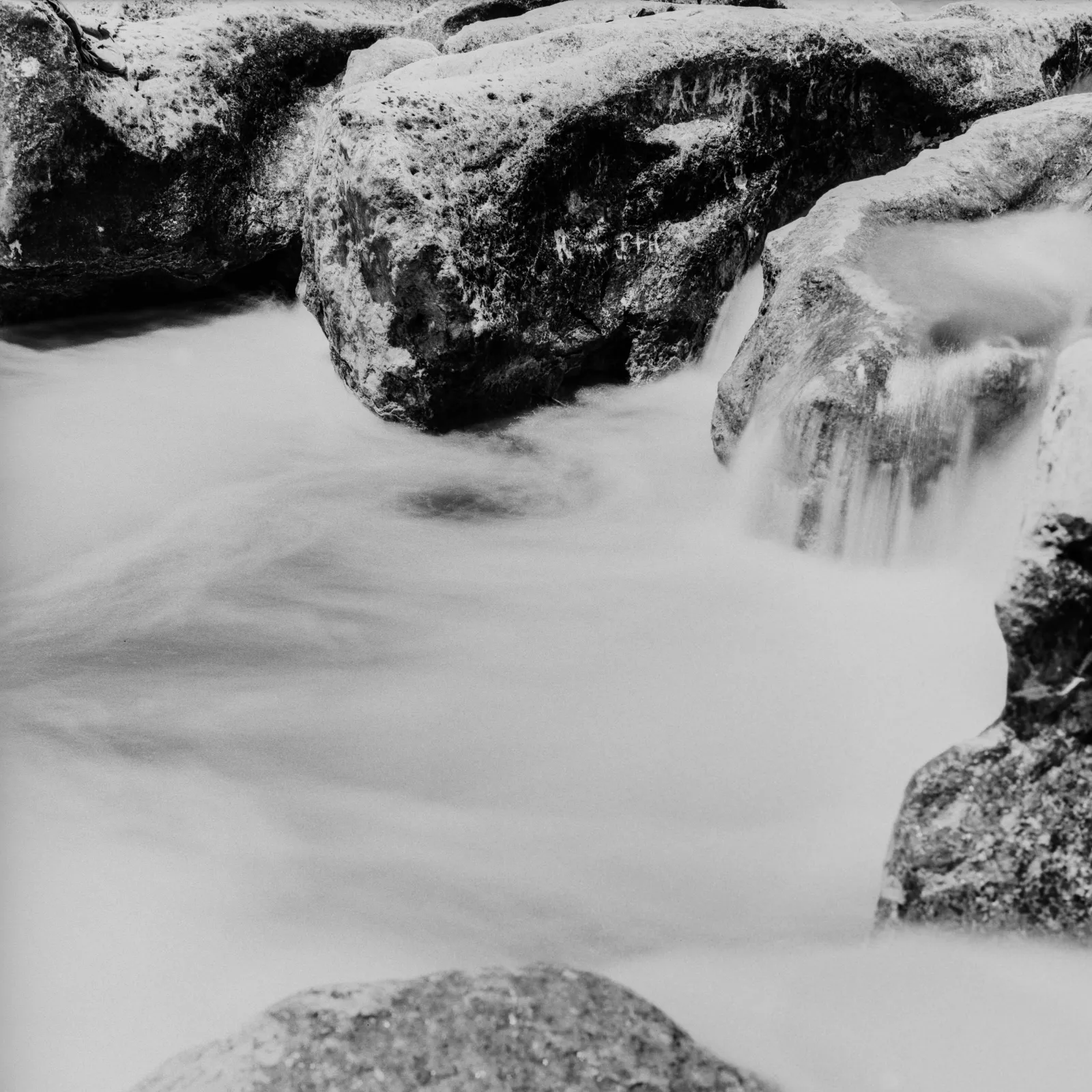
nature
Greenbelt
Rushing water and etched rock at Sculpture falls in the greenbelt
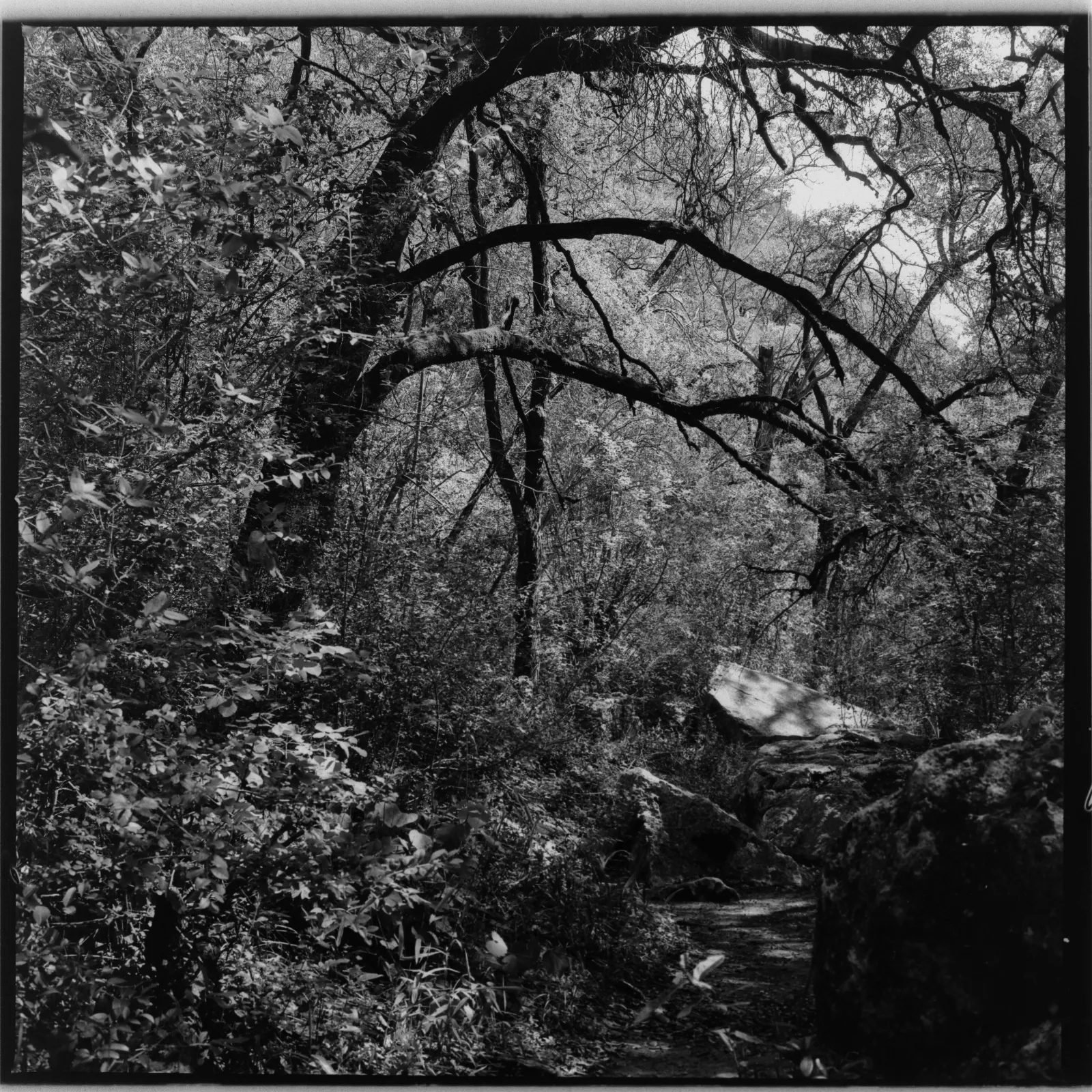
nature
Greenbelt
Dappled Light in the forest
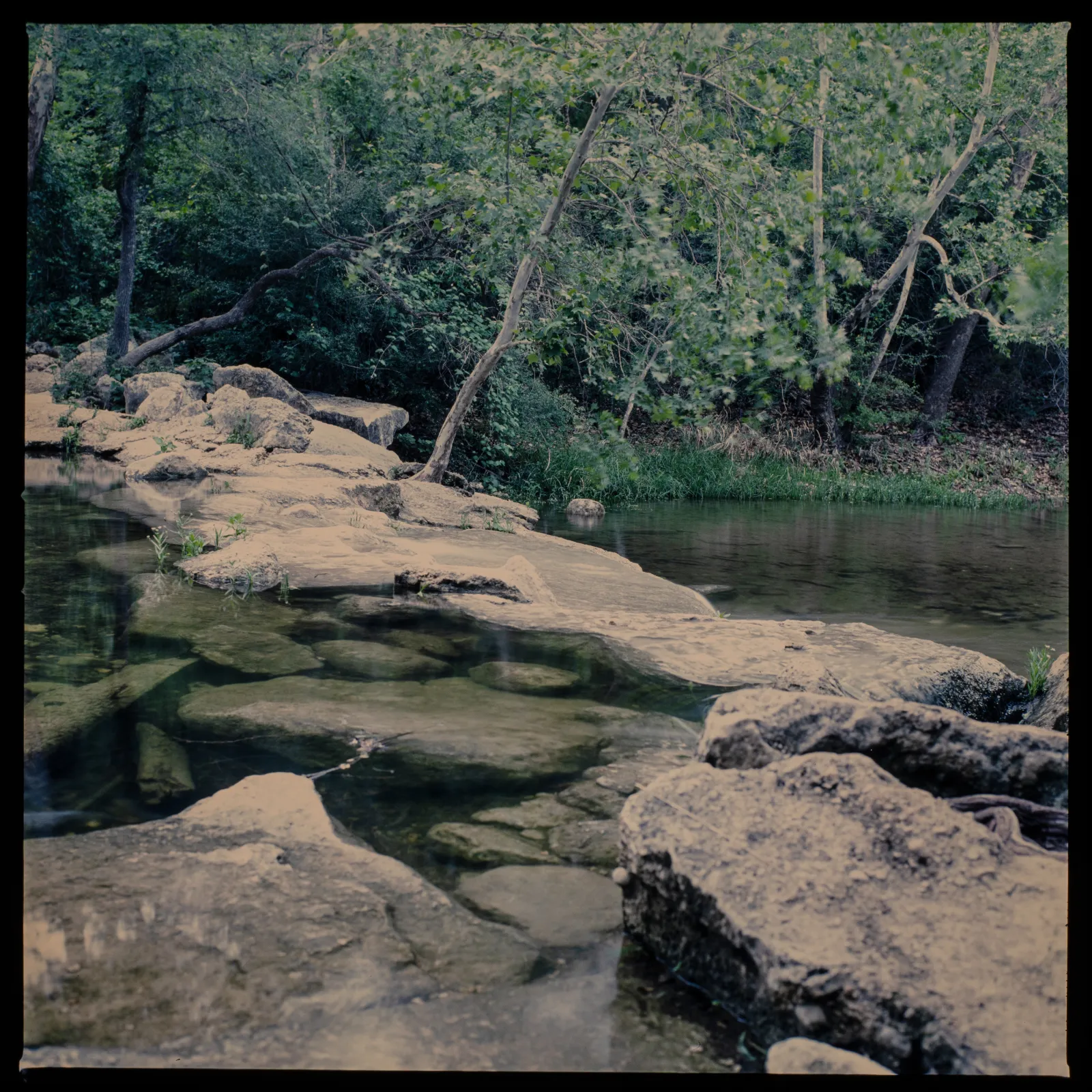
nature
Greenbelt
Clear water flowing through the upper Greenbelt a few days after a big storm
nature
Greenbelt
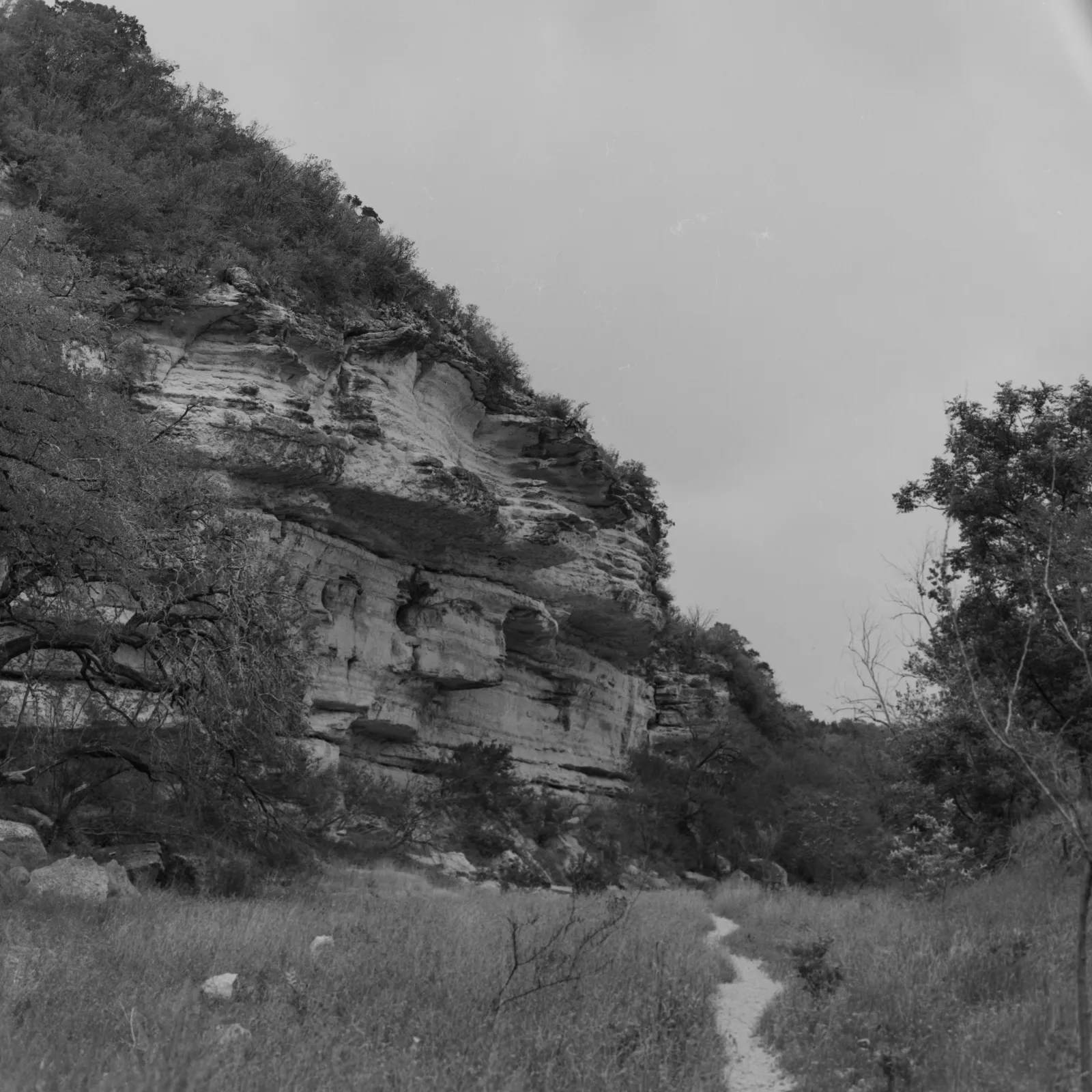
Following the trail through the greenbelt
nature
Greenbelt
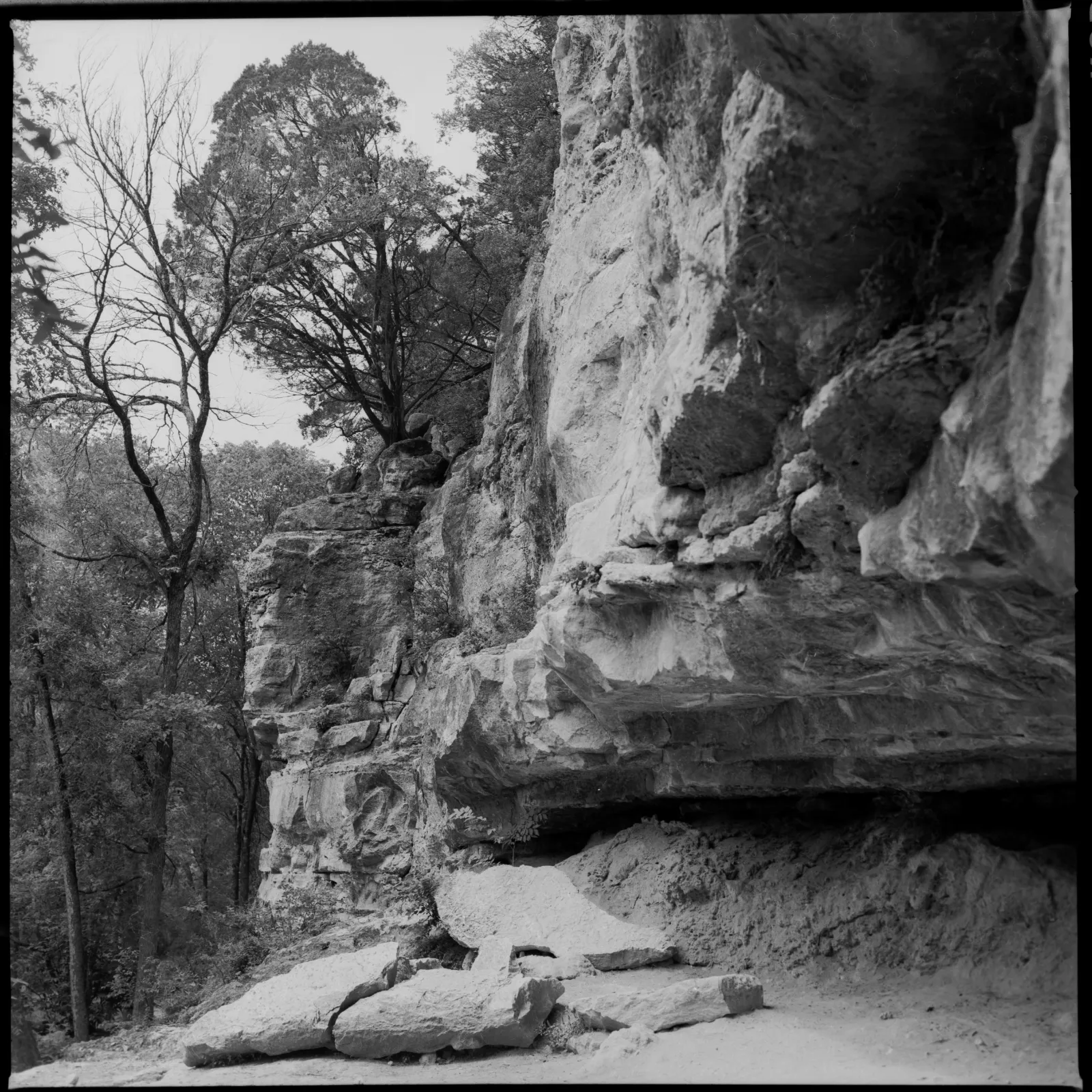
Just hanging out. A tree hangs precariously from rock on top of a wall in Austin's famous greenbelt
nature
Greenbelt
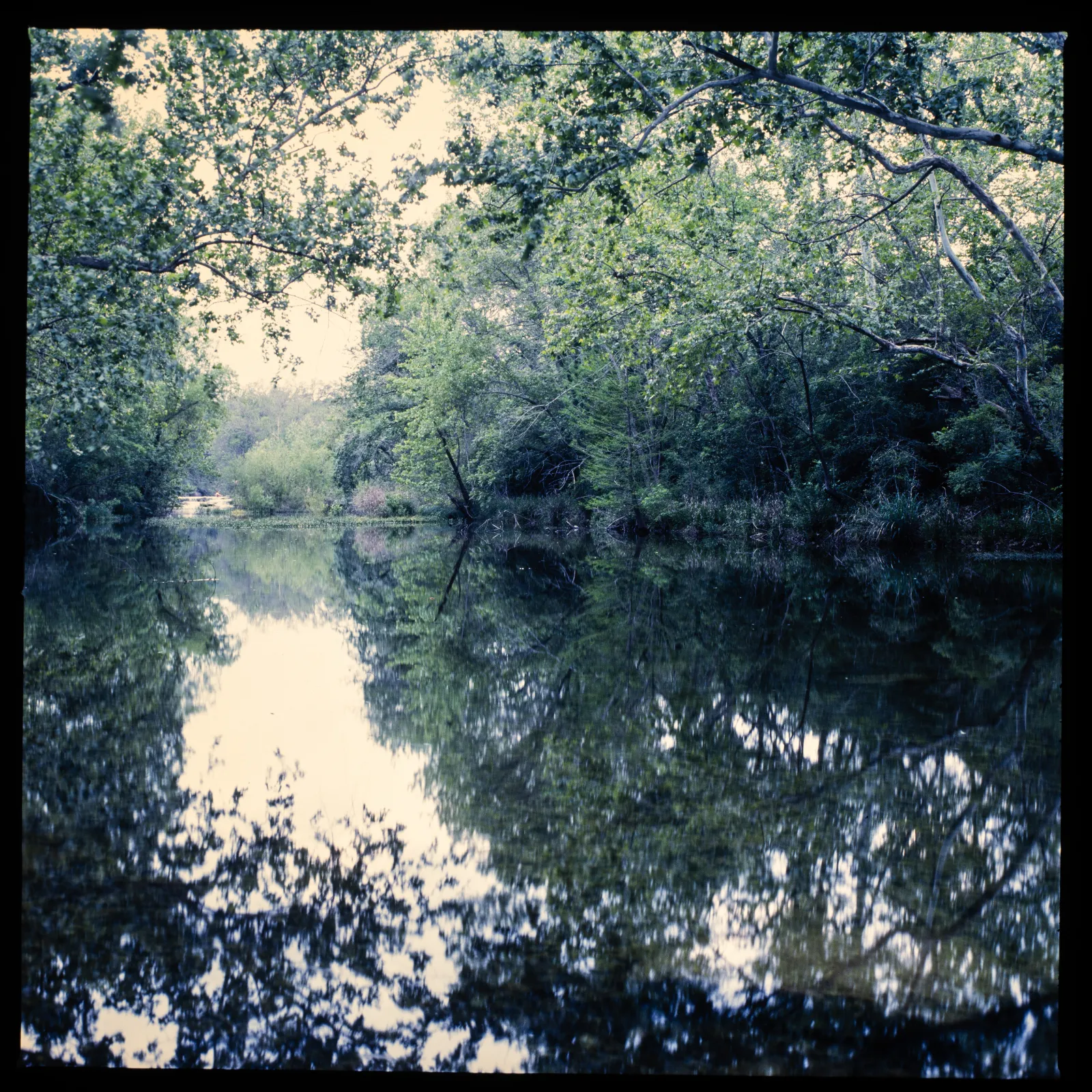
Reflections at sunset
nature
Garner State Park
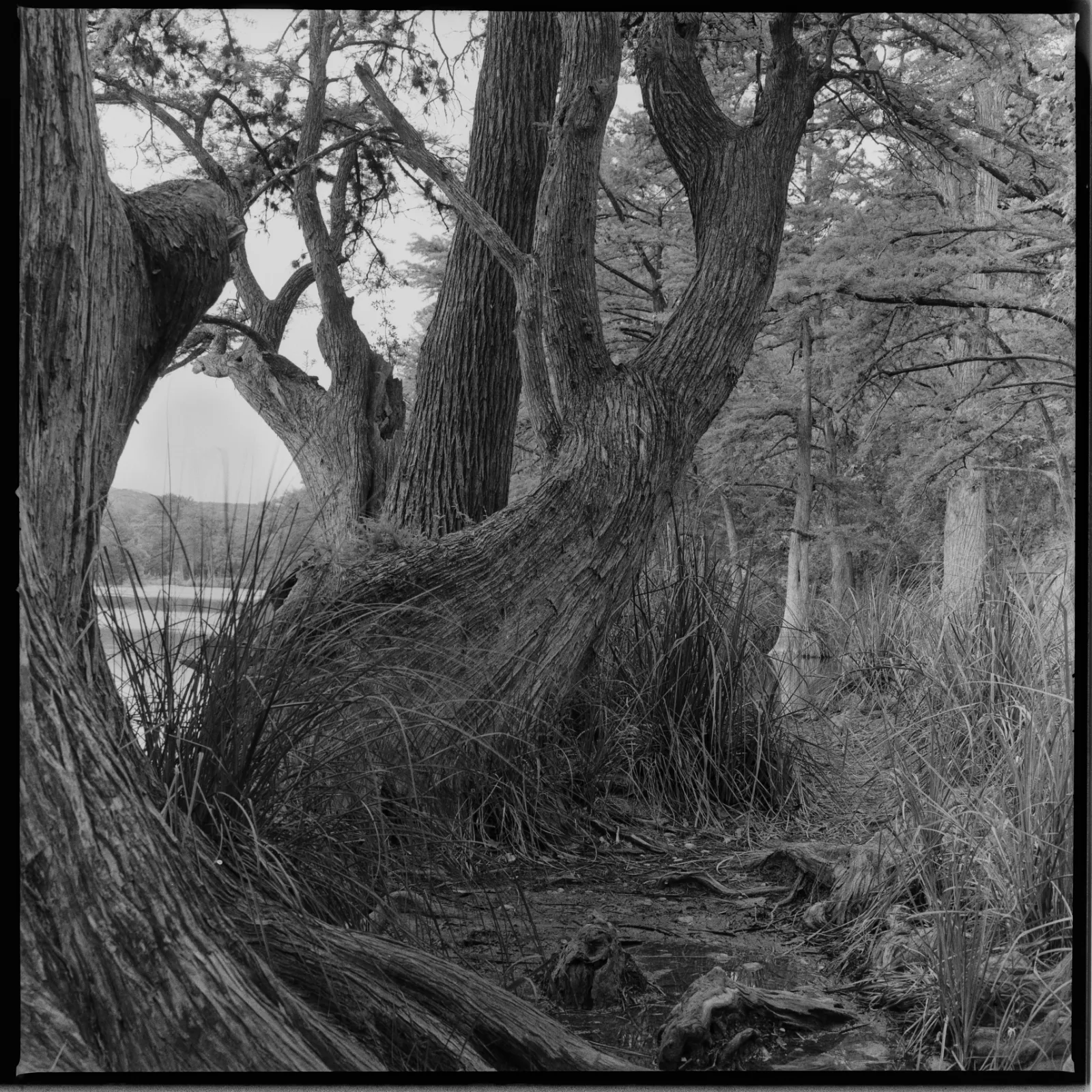
The Bent Tree
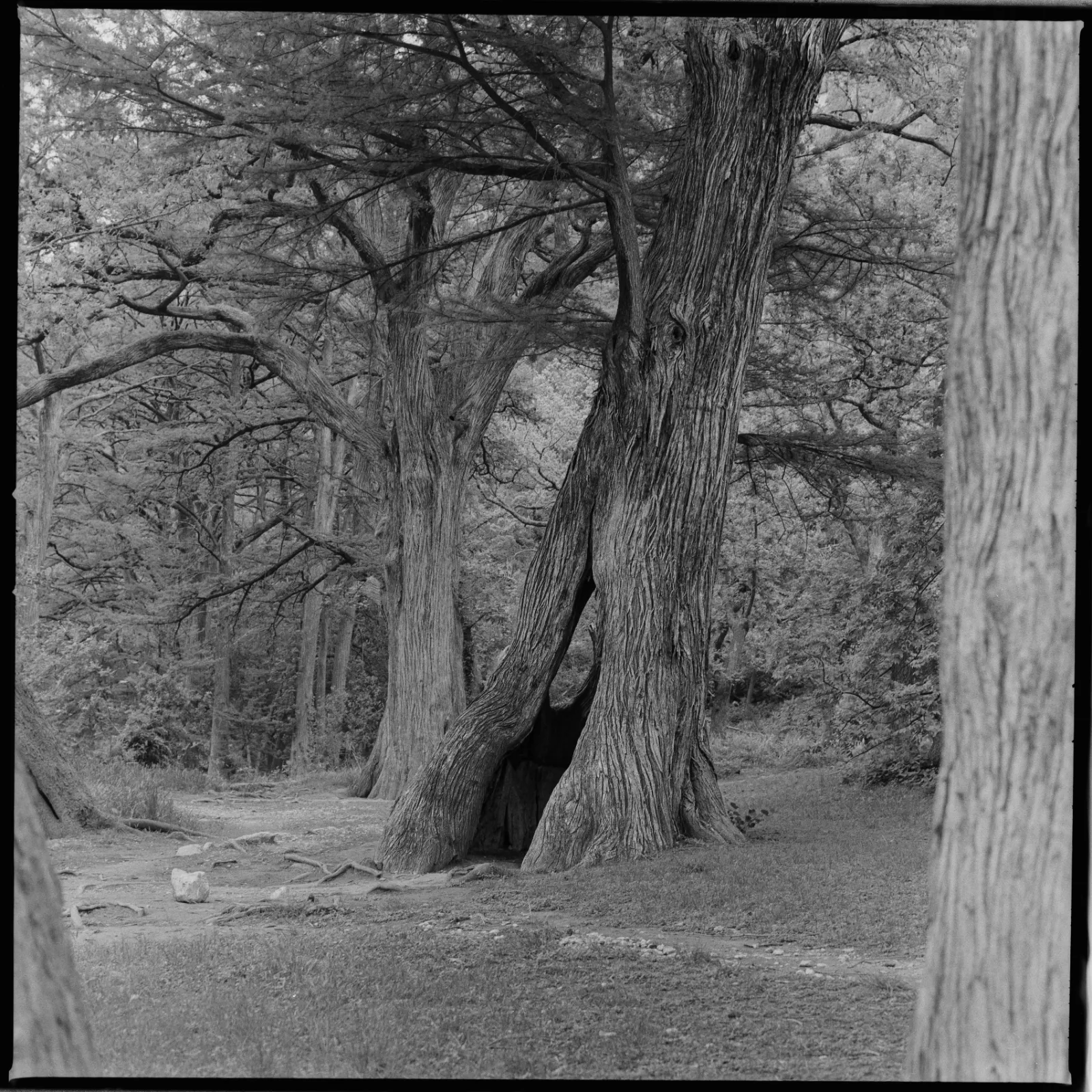
nature
Garner State Park
Hole in one
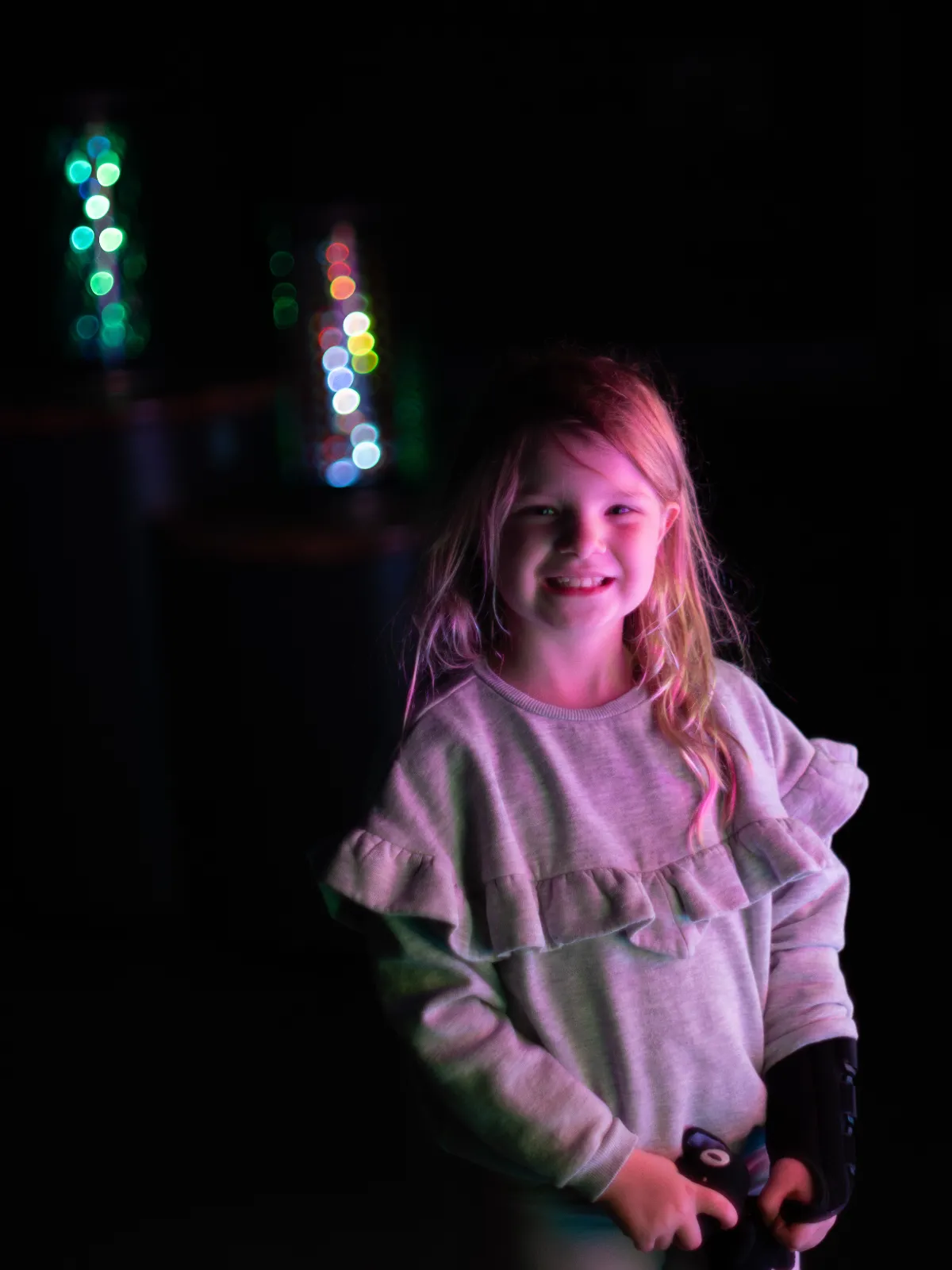
people
People
people
People
people
People
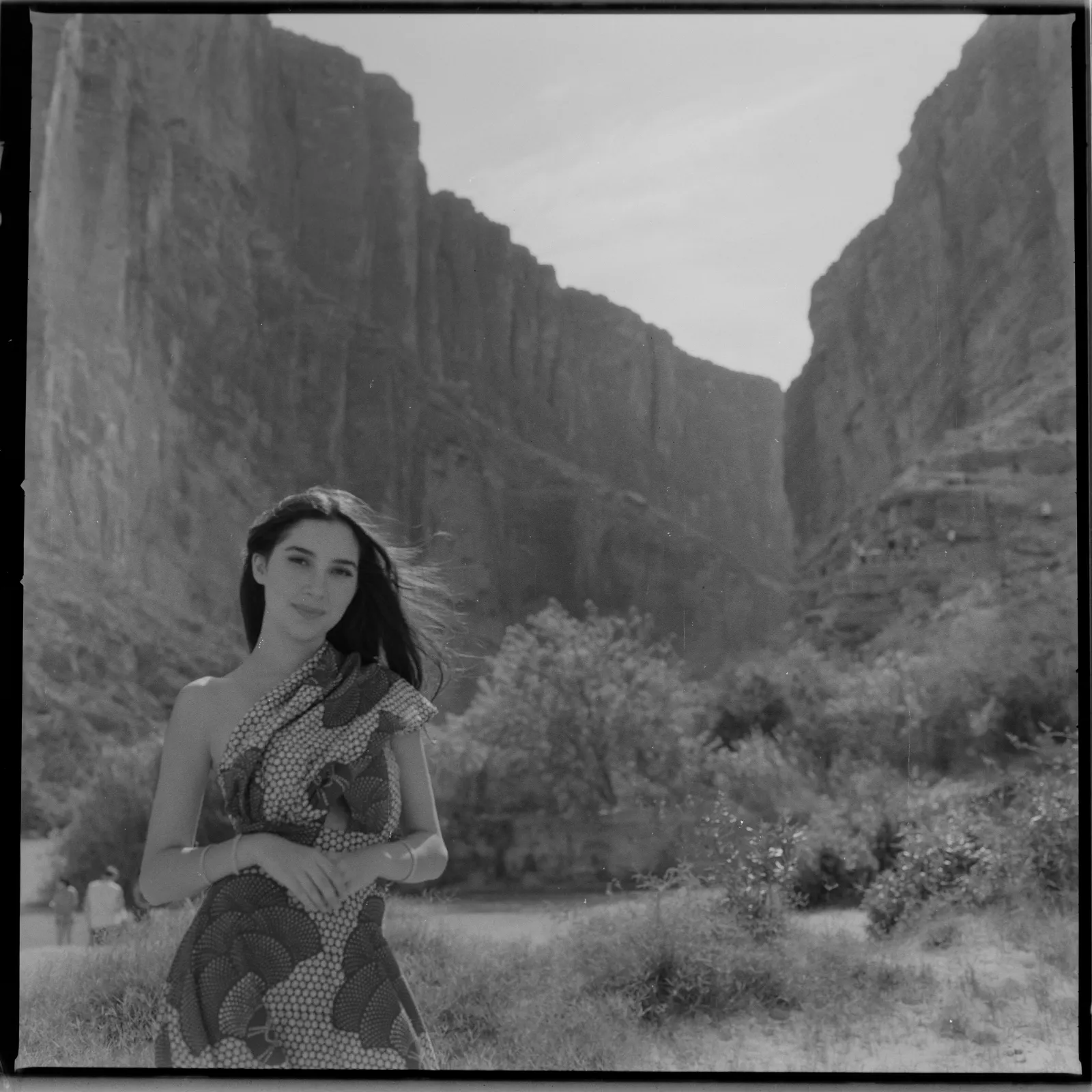
Ran into a photographer at Santa Elena canyon taking graduation photos at the coolest location ever. They graciously let me take a guest shot

people
People
Father and Daughter
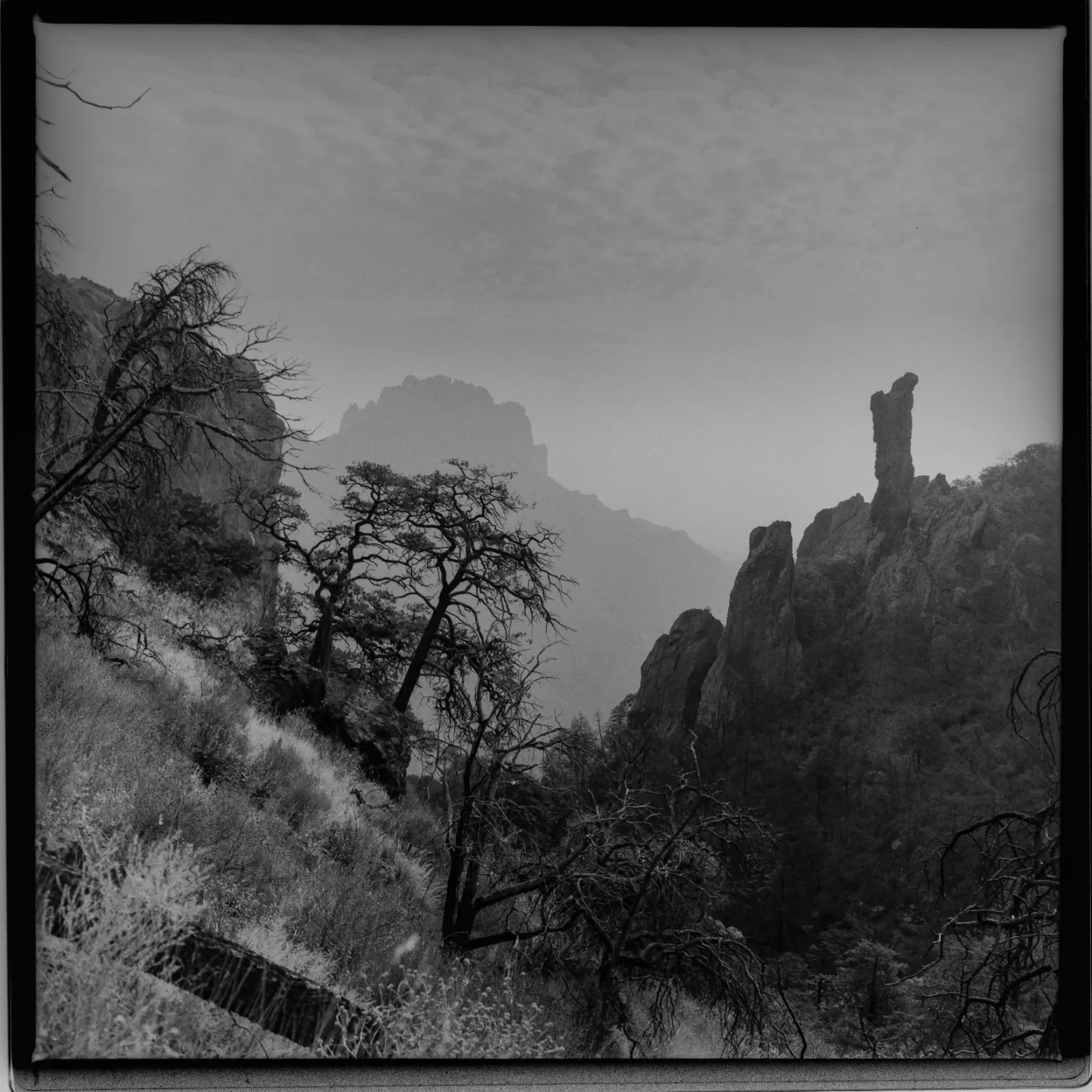
nature
Big Bend
The Gnarly Boot Canyon trail at Big Bend national park
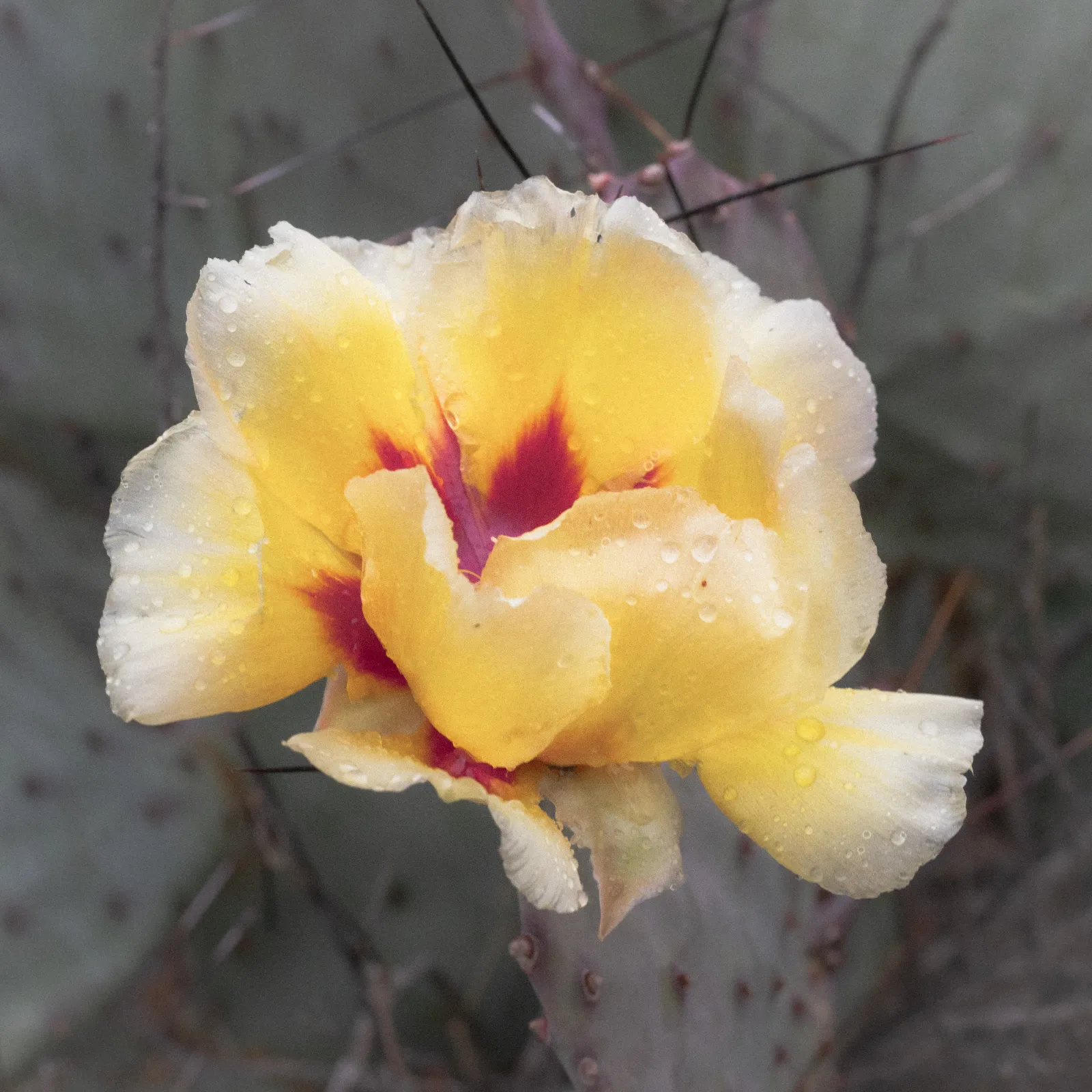
nature
Big Bend
A Cactus Flower blooming moments after the first rains in some time
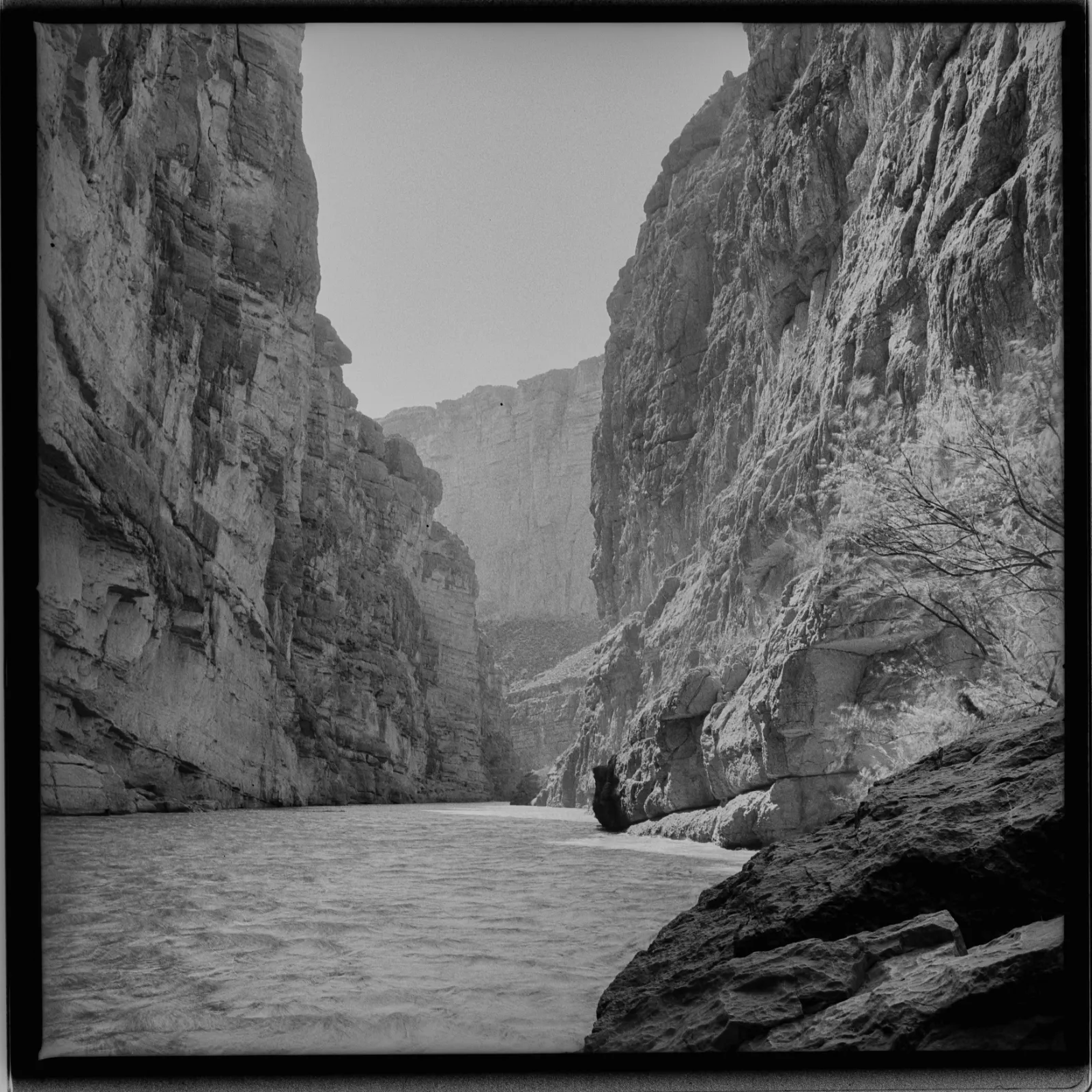
nature
Big Bend
The epically huge Santa Elena Canyon in Big Bend,.
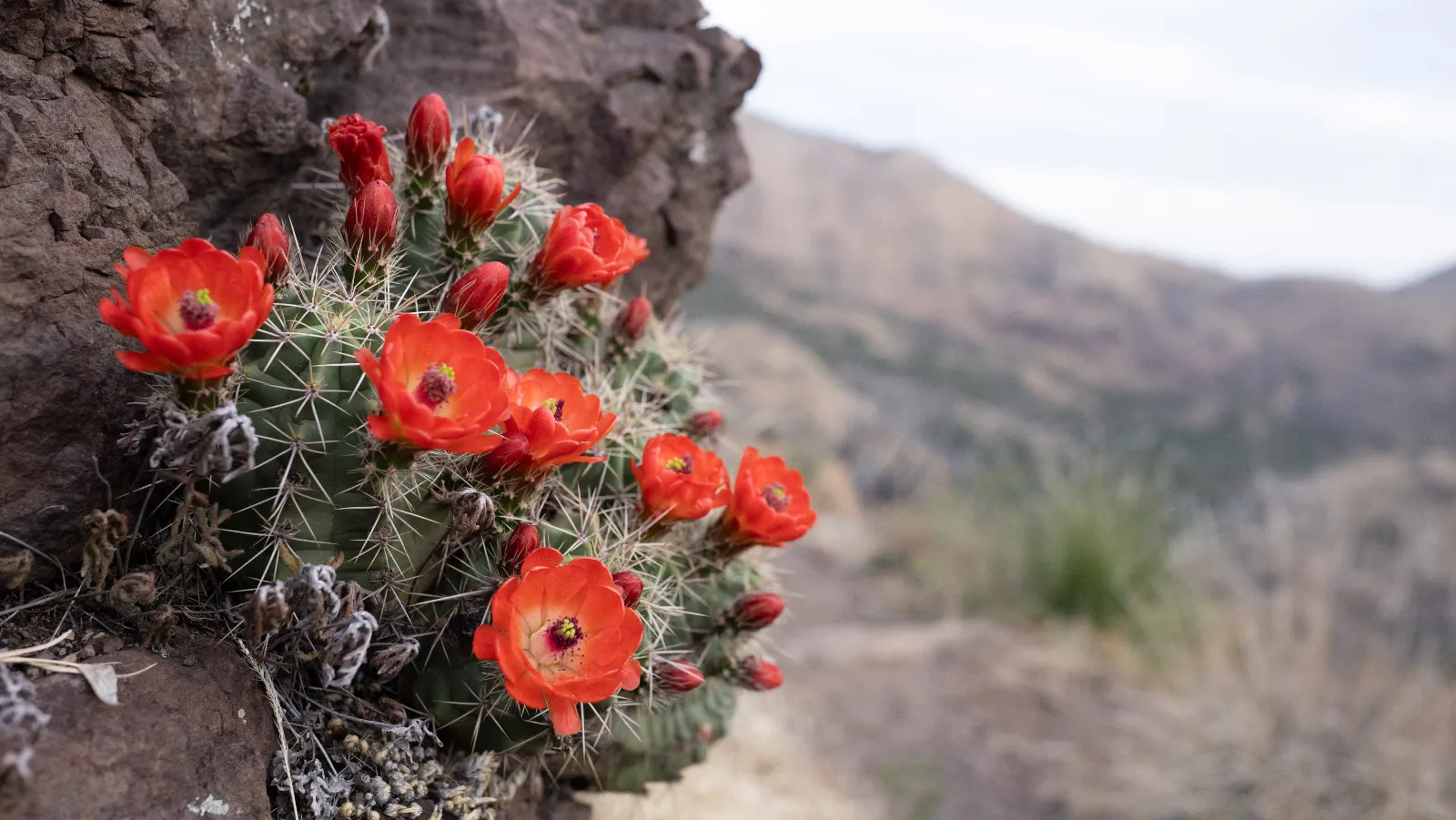
nature
Big Bend
Some flowers blooming in the most desolate of places. East Rim Chisos Mountains
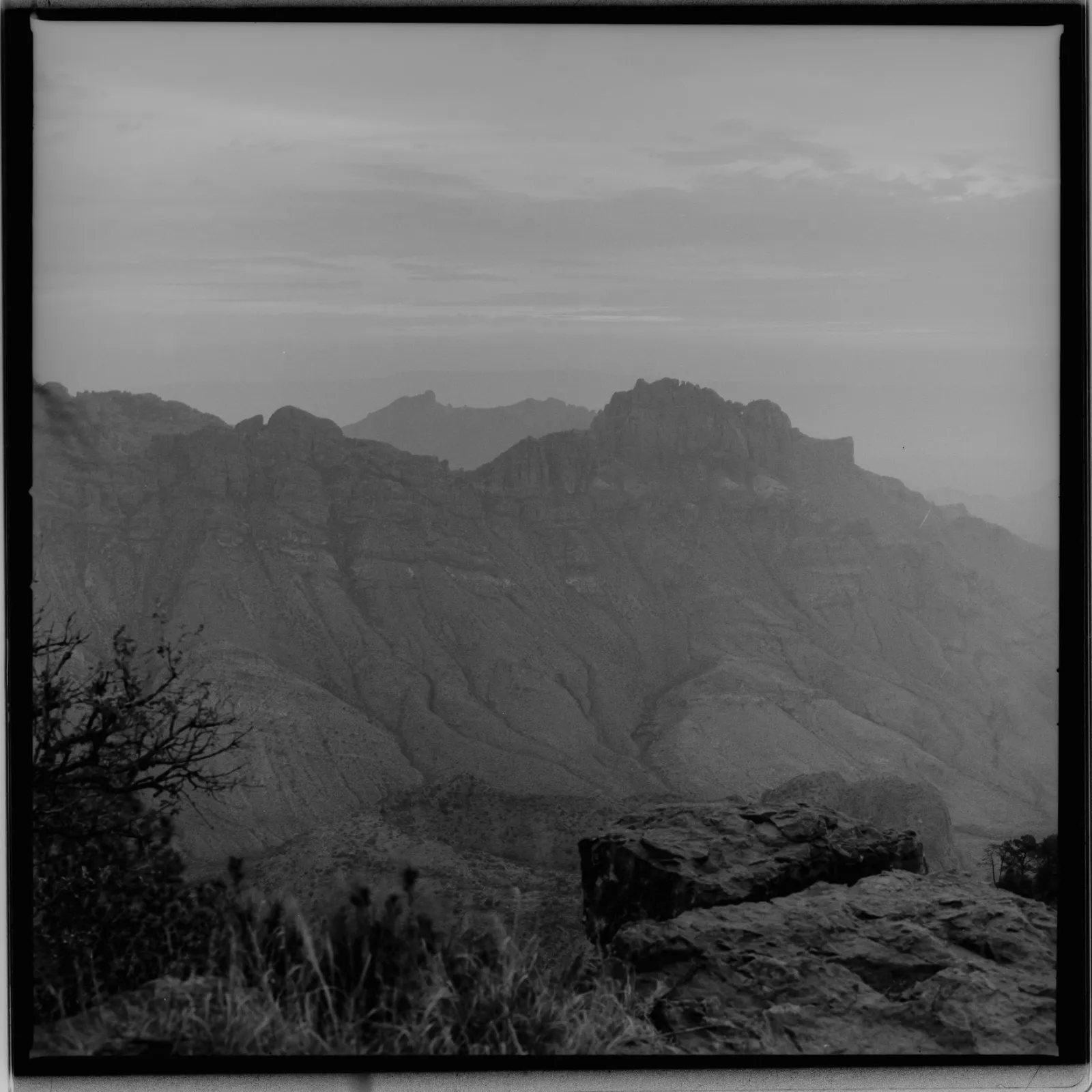
nature
Big Bend
Hazy morning overlooking the East Rim
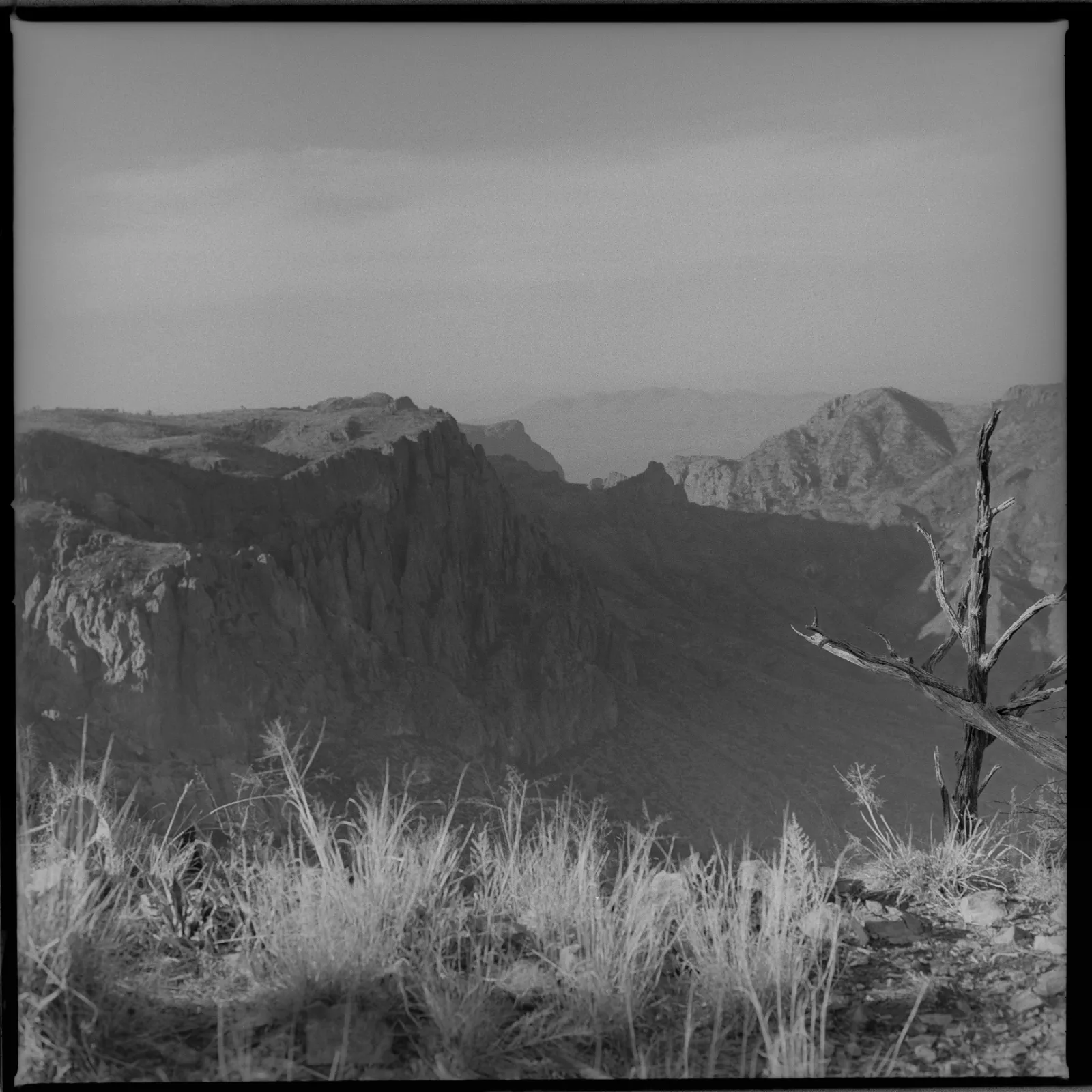
nature
Big Bend
Sun Rising over the Chisos
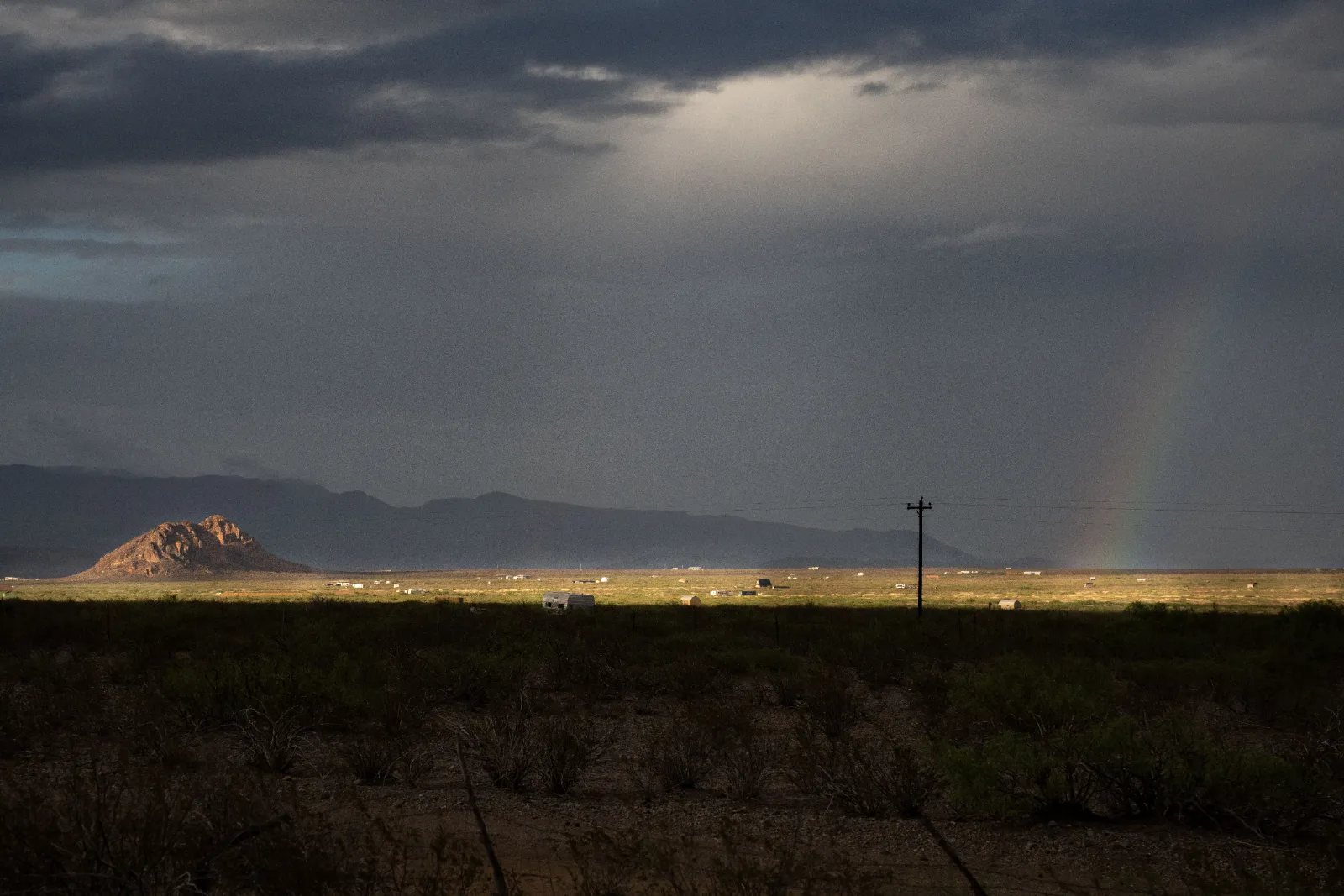
nature
Big Bend
Shadows and Rainbows
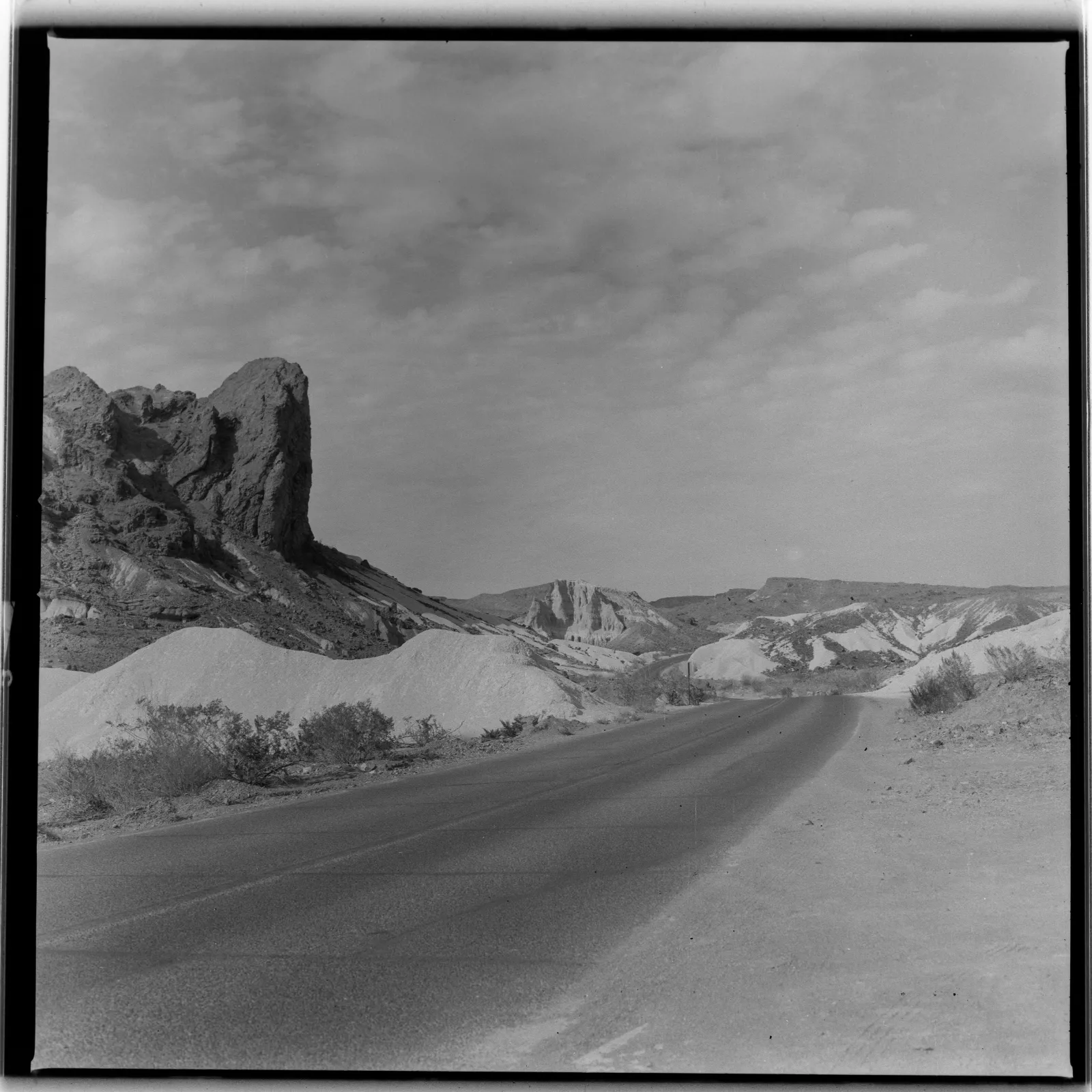
nature
Big Bend
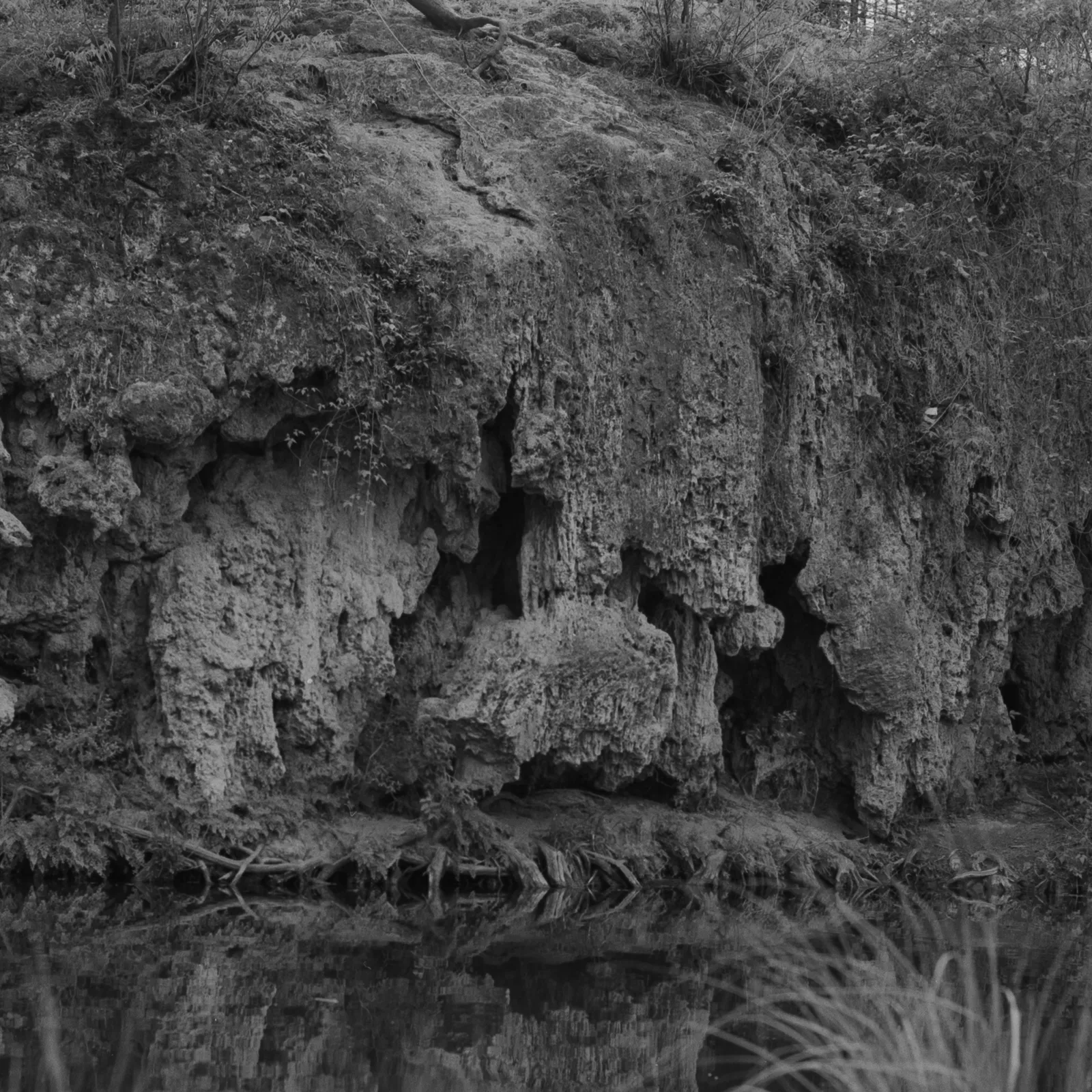
nature
Krause Springs
Melting Rock reflecting in the water
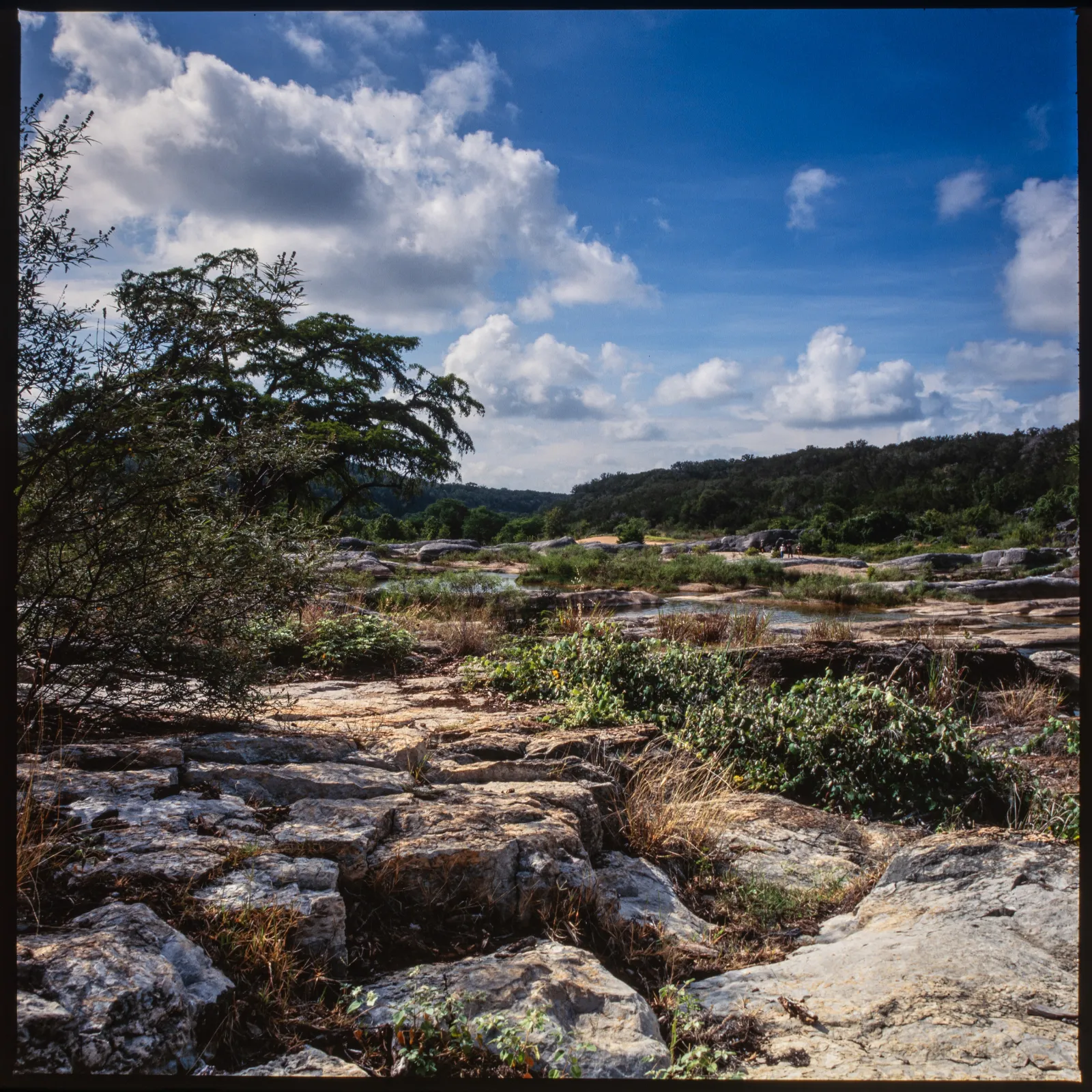
nature
Pedernales Falls State Park
A Bright Blue day looking up stream towards the falls
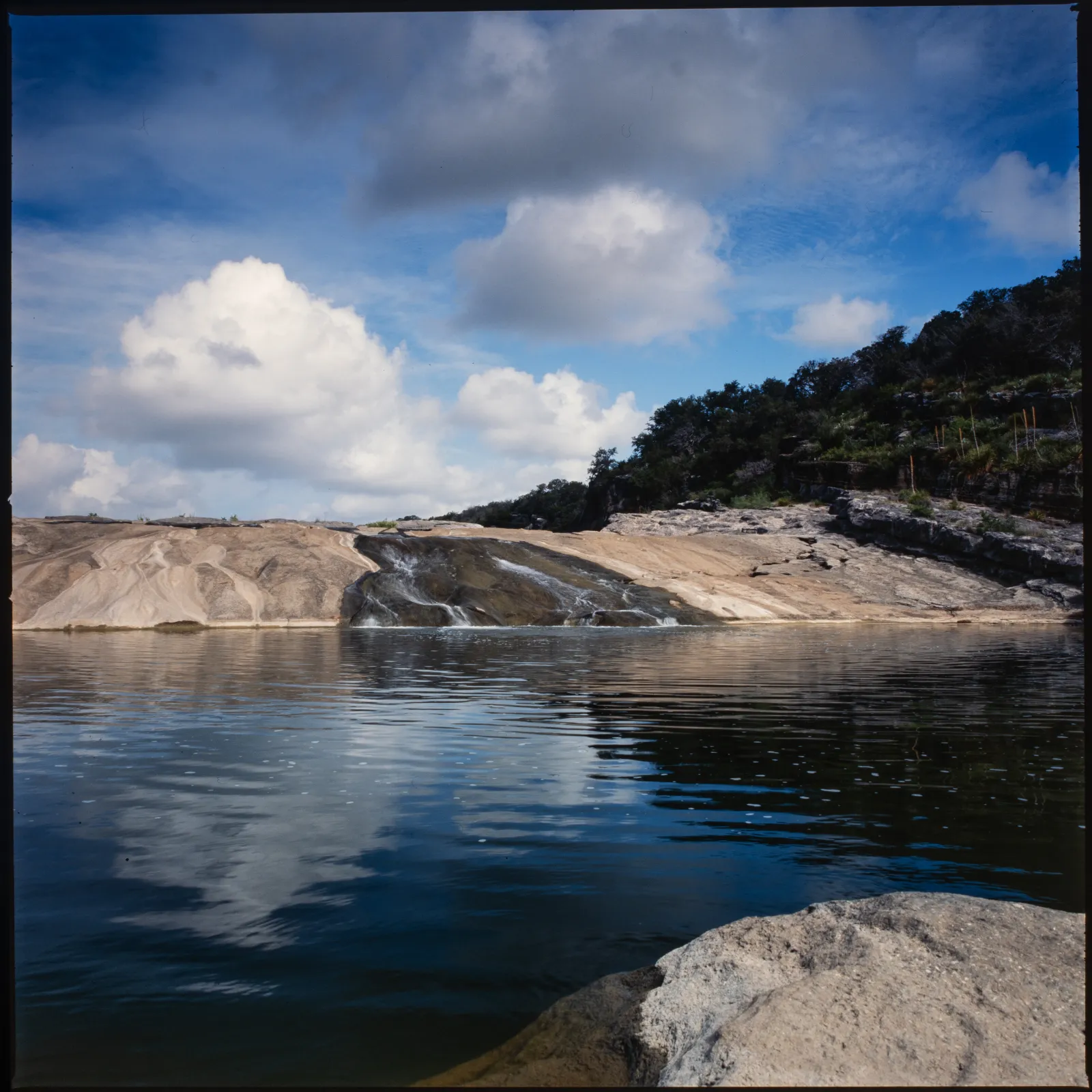
nature
Pedernales Falls State Park
The beautiful falls on a blue summer day
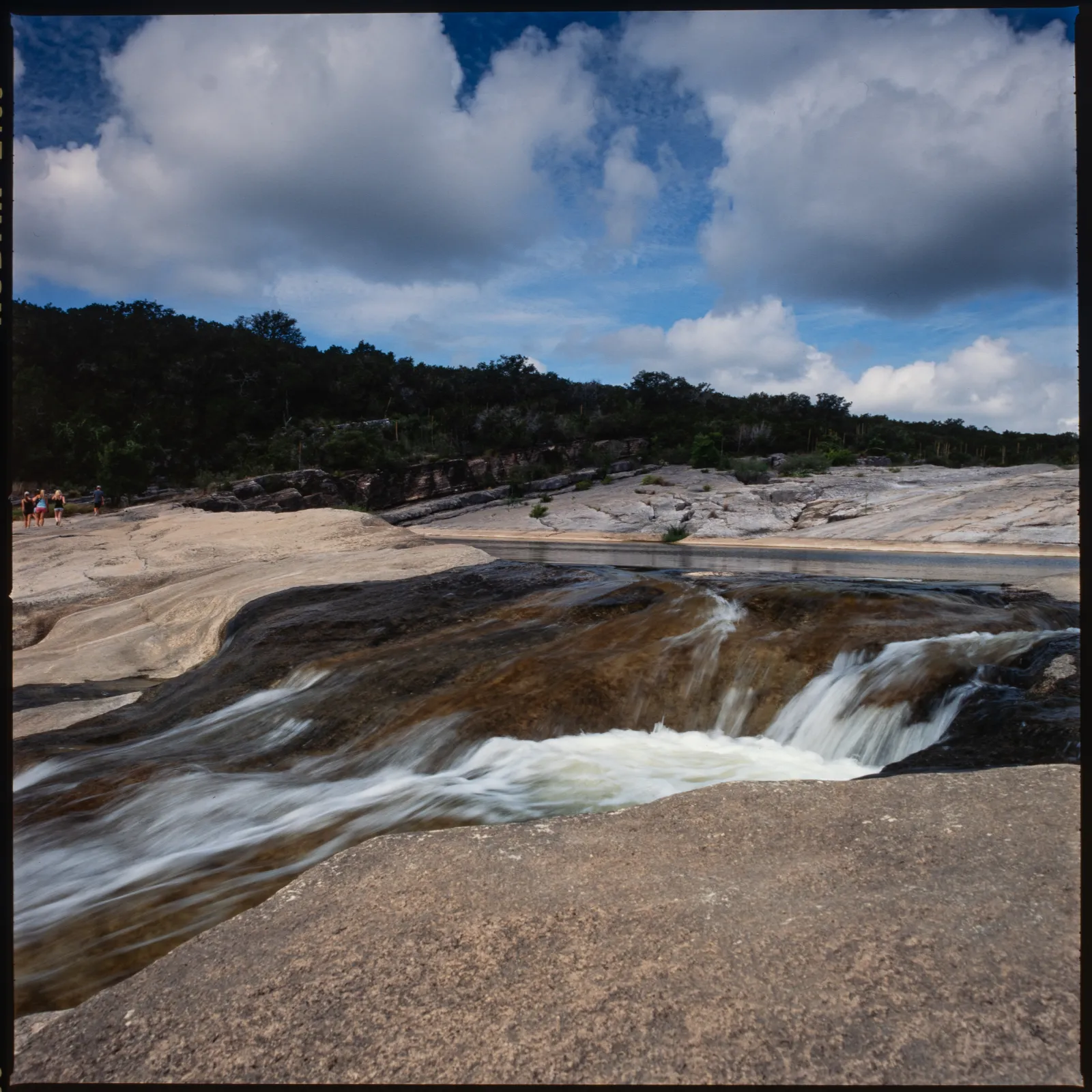
nature
Pedernales Falls State Park
Another angle of the falls at Pedernales
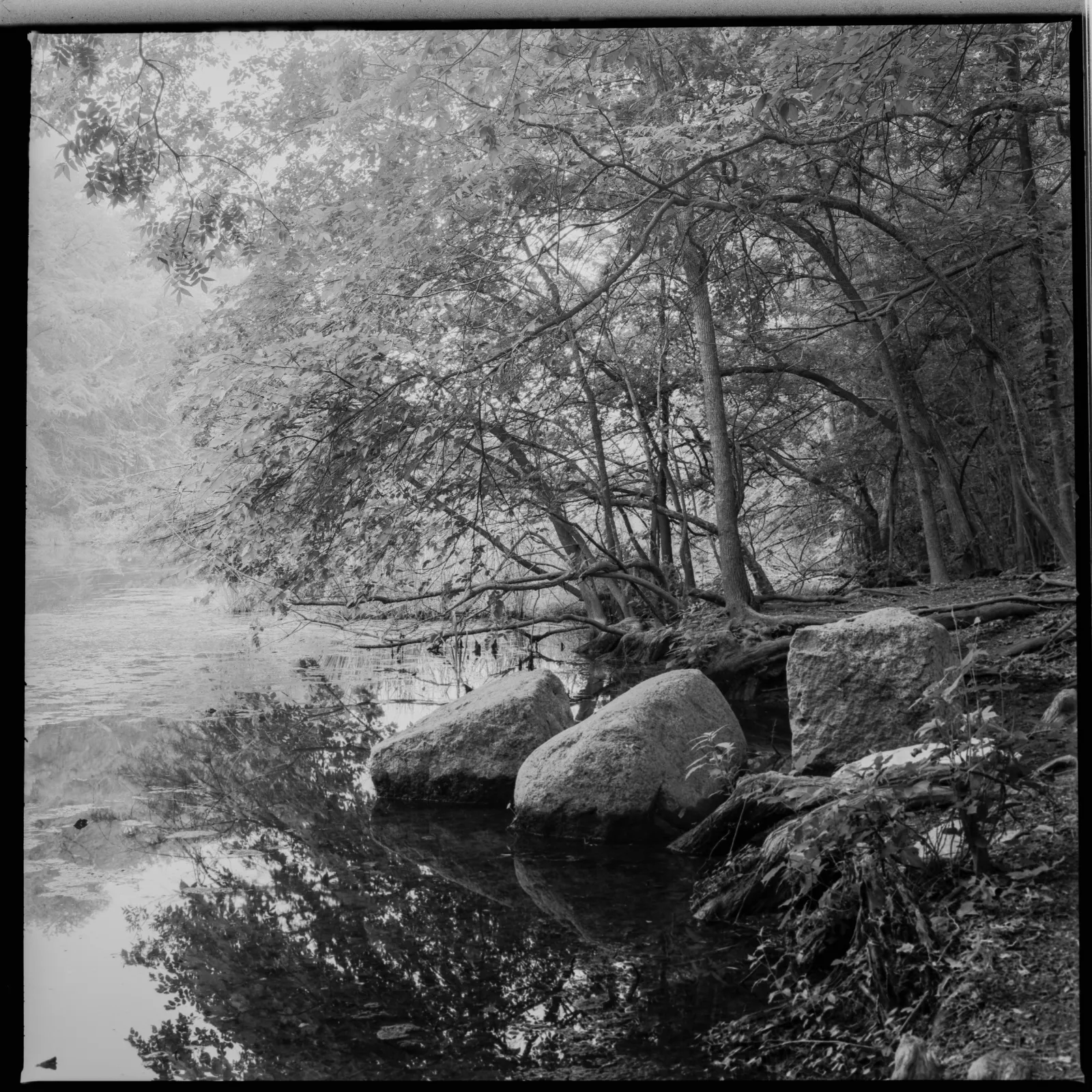
nature
Red Bud Isle
Peaceful reflections at Red Bud Isle
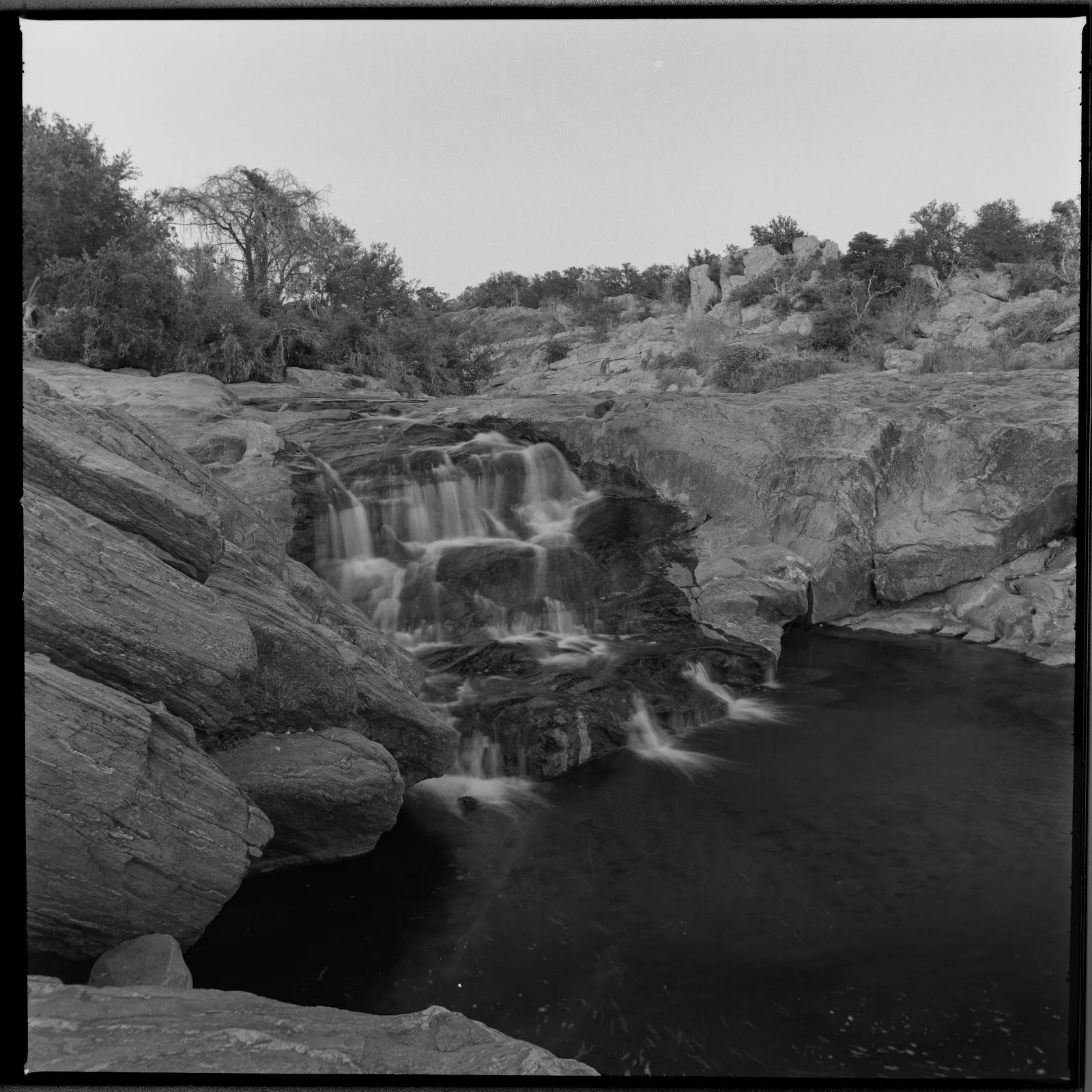
nature
Waterfalls
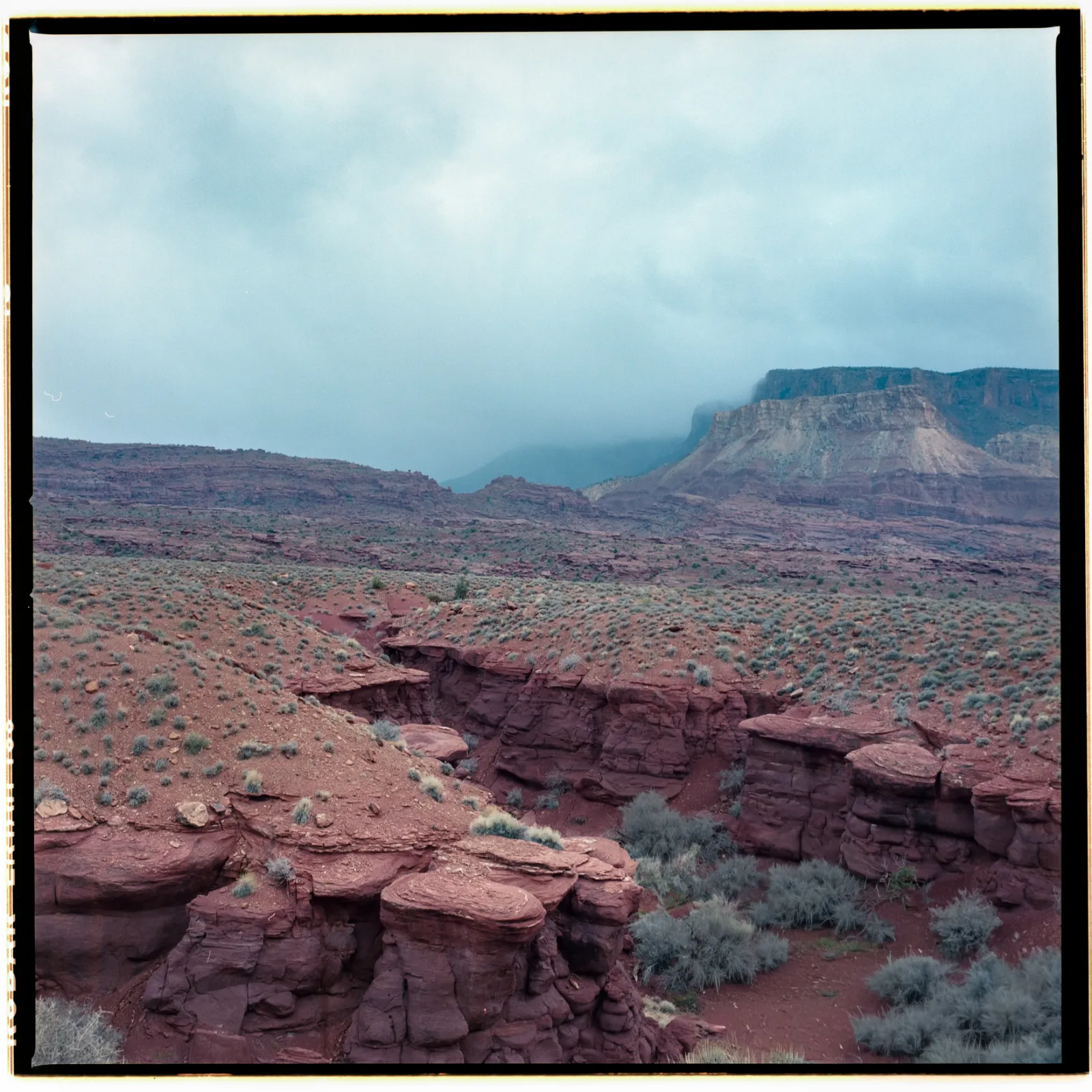
nature
Moab
Built by photographers for photographers: one connected space for image collections, custom pages, a blog, a managed Lightroom Publish Service, client delivery, and publishing under your own name.
Shape site-wide typography and navigation, then give each collection its own layout, rhythm, captions, light, motion, mobile treatment, image preview, and download rules.
Upload directly or organize incoming photographs into visible collections without turning the portfolio into a rigid template.
Create custom pages and publish journal entries in a visual blog that shares the same typography, navigation, and identity as the portfolio.
Install the Lightroom Classic plug-in once. Its managed Publish Service tracks new, modified, and removed photographs while one-off Export remains available whenever you need it.
Organize work by client, share private albums, allow downloads, and collect favorites and comments through secure, account-free links.
Connect a vanity domain with guided setup. Built-in email sends client invitations from the same studio where the portfolio and albums live.
Create your Folio Space, install its Lightroom Publish Service, and connect the domain you want clients to remember.
Let Lightroom track new, modified, and removed photographs, or upload directly, then organize the images into collections and albums.
Work on the actual portfolio canvas, tune every collection for desktop and mobile, create custom pages, and write the blog.
Open the portfolio, pages, and blog on your domain; create private client albums, email secure links, and receive feedback in one place.
A photographer-owned workflow
One place for image collections, custom pages, a blog, Lightroom publishing, client delivery, feedback, email, and the domain that carries your name.
Create a portfolio